
What Is Typing Accuracy?
Typing accuracy measures how correctly you type a given piece of text. If you type most characters correctly and make very few mistakes, your typing accuracy will be high.
For example, an accuracy score of 95% means that most of your typed characters were correct, while a small percentage contained errors.
Why Is Typing Accuracy Important?
Typing speed is useful, but speed without accuracy can lead to frequent corrections and wasted time. Good typing accuracy allows you to complete assignments, emails, coding, reports, and other tasks with fewer mistakes.
Improving accuracy can also make your typing practice more consistent because you learn to press the correct keys instead of simply trying to type as fast as possible.
Speed vs Accuracy: Which Is More Important?
When learning to type, accuracy should usually come before maximum speed.
If you constantly make mistakes while trying to increase your WPM, it can become difficult to build reliable typing habits.
A better approach is:
- Build accurate typing habits first.
- Gradually increase your speed.
- Continue monitoring both WPM and accuracy.
1. Slow Down While Practicing
One of the easiest ways to improve typing accuracy is to stop rushing. If you normally type at 60 WPM but make many mistakes, temporarily reduce your speed and concentrate on pressing the correct keys.
Once your accuracy becomes consistent, gradually increase your speed again.
2. Learn Proper Finger Placement
Correct finger placement gives each finger a specific group of keys to control. Start with the home row:
A S D F for the left hand and J K L ; for the right hand.
Learning proper finger placement reduces unnecessary finger movement and helps you develop consistent typing habits.
3. Stop Looking at the Keyboard
Looking down at the keyboard while typing can interrupt your rhythm and make it harder to develop touch-typing skills.
Practice keeping your eyes on the screen and use your fingers' memory to locate the keys. This may feel difficult at first, but regular practice can make touch typing more natural.
4. Focus on Your Most Common Errors
Everyone has certain keys, letters, or combinations that cause more mistakes. Instead of practicing everything randomly, pay attention to the errors you repeatedly make.
- Identify frequently missed keys.
- Practice difficult letter combinations.
- Repeat words that contain your problem keys.
- Check your typing results after each test.
5. Practice Difficult Keys
Some keys may feel less familiar than others. Spend extra practice time on difficult keys and combinations instead of only typing words that are already easy for you.
As you become more comfortable with difficult keys, your overall accuracy can improve.
6. Practice Punctuation and Capital Letters
Real-world typing includes much more than lowercase letters. You also need to type punctuation marks, numbers, symbols, and capital letters.
Include punctuation and capitalization in your practice sessions so you become comfortable typing complete sentences.
7. Use a Typing Test
A typing test gives you measurable information about your performance. Depending on the test, you may see:
- Typing Speed (WPM)
- Accuracy
- Error Count
- Test Duration
Regular testing makes it easier to see whether your accuracy is improving over time.
8. Review Your Mistakes
Do not simply finish a typing test and immediately start another one. Take a moment to look at your mistakes.
Ask yourself:
- Which letters did I type incorrectly?
- Did I use the wrong finger?
- Was I typing too quickly?
- Did I make mistakes with punctuation?
Understanding your mistakes helps you practice more effectively.
9. Practice for 10–20 Minutes Every Day
Consistent practice is more useful than occasional marathon sessions.
Try practicing for around 10–20 minutes each day. Short, focused sessions give you regular opportunities to improve your accuracy.
10. Increase Your Speed Gradually
Once your accuracy becomes stable, begin increasing your typing speed little by little.
Do not try to jump from a slow typing speed to an extremely fast WPM score immediately. Build speed while maintaining your accuracy.
How to Reach 95%+ Typing Accuracy
Reaching 95% or higher accuracy requires consistent practice rather than one quick trick. A simple routine can help:
| Practice | Goal |
|---|---|
| 5 minutes | Finger placement and difficult keys |
| 5 minutes | Accuracy-focused typing |
| 5 minutes | Sentences and punctuation |
| 5 minutes | Typing test and progress review |
What Is a Good Typing Accuracy?
There is no single perfect accuracy score for every typing situation. However, consistently reaching 95% or higher is a useful target for many typing learners.
If your accuracy is currently lower than 95%, do not worry. Focus on gradual improvement and practice your common errors.
Common Mistakes That Reduce Typing Accuracy
- Typing too quickly.
- Looking down at the keyboard constantly.
- Using incorrect finger placement.
- Ignoring repeated typing errors.
- Skipping regular practice.
- Not practicing punctuation and numbers.
Practice Typing Accuracy With Typo Master
Typo Master provides free typing lessons, typing games, and typing tests to help beginners and experienced typists improve their skills.
Use regular typing tests to measure your WPM and accuracy, identify mistakes, and track your progress over time.
Final Thoughts
Improving typing accuracy is not about typing as fast as possible. It is about learning the correct technique, practicing consistently, and reducing mistakes over time.
Start slowly, focus on accuracy, review your errors, and gradually increase your speed. With regular practice, reaching 95%+ accuracy can become a realistic typing goal.
Frequently Asked Questions
How can I improve my typing accuracy?
Practice regularly, slow down while learning, use proper finger placement, review your mistakes, and gradually increase your typing speed.
Is 95% typing accuracy good?
Yes. Consistently achieving 95% or higher accuracy is a useful target for many typing learners. The ideal accuracy depends on the task and individual goals.
Should I focus on speed or accuracy first?
Accuracy should generally come first when learning. Once accurate typing becomes consistent, you can gradually increase your speed.
Why do I make so many typing mistakes?
Common reasons include typing too quickly, incorrect finger placement, looking at the keyboard, lack of practice, and not reviewing repeated errors.
How long should I practice typing every day?
A focused 10–20 minute practice session each day can be a useful starting point. Consistency is more important than practicing for very long periods occasionally.
Related Articles
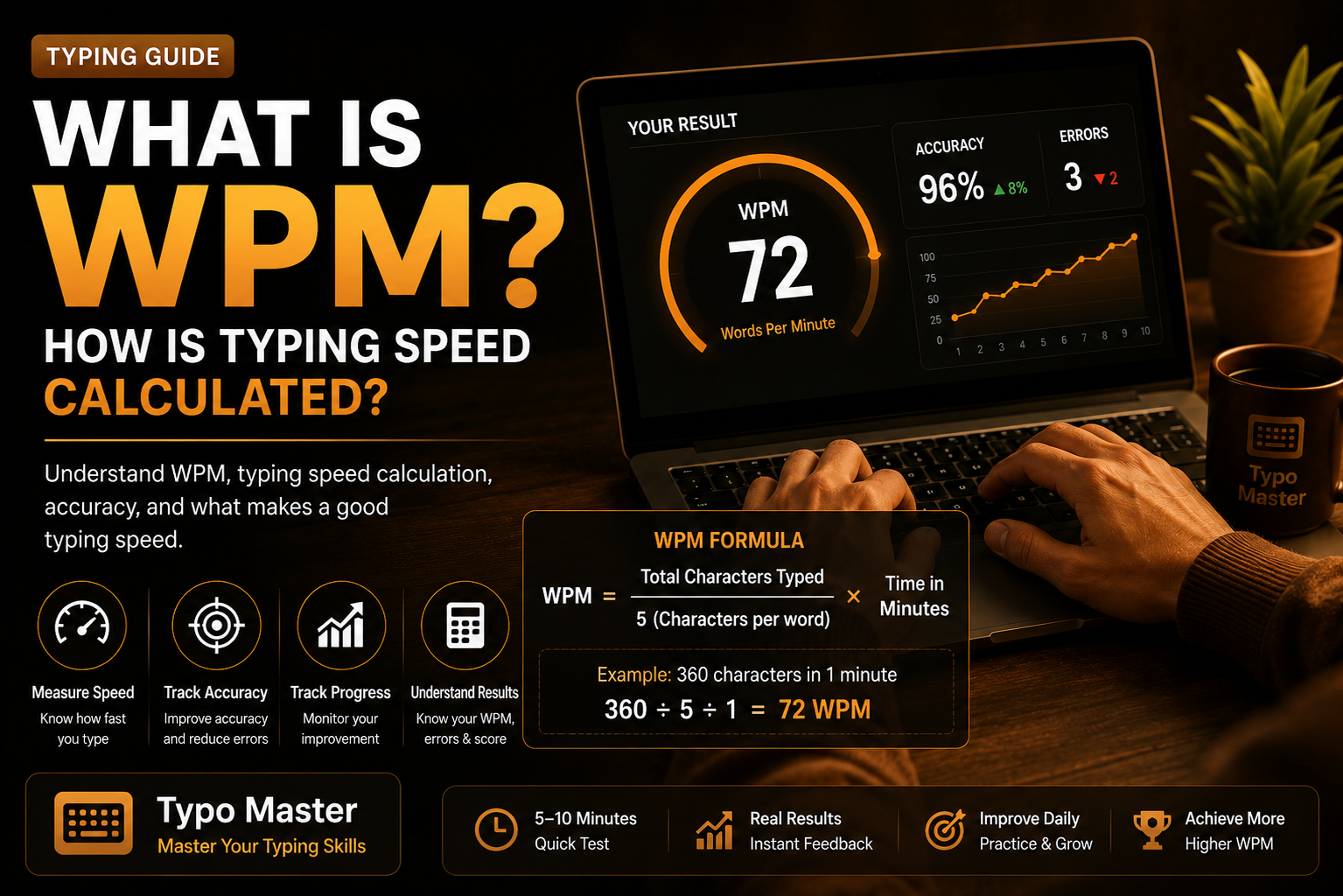
What Is WPM? How Is Typing Speed Calculated?
Learn what WPM means and how typing speed is calculated using characters, time, and accuracy.
Read Article →
Improve Your Typing Speed by 2×
Learn practical techniques to improve your typing speed and accuracy.
Read Article →
Poor Sitting Posture While Typing
Learn how better sitting posture can make typing more comfortable and productive.
Read Article →