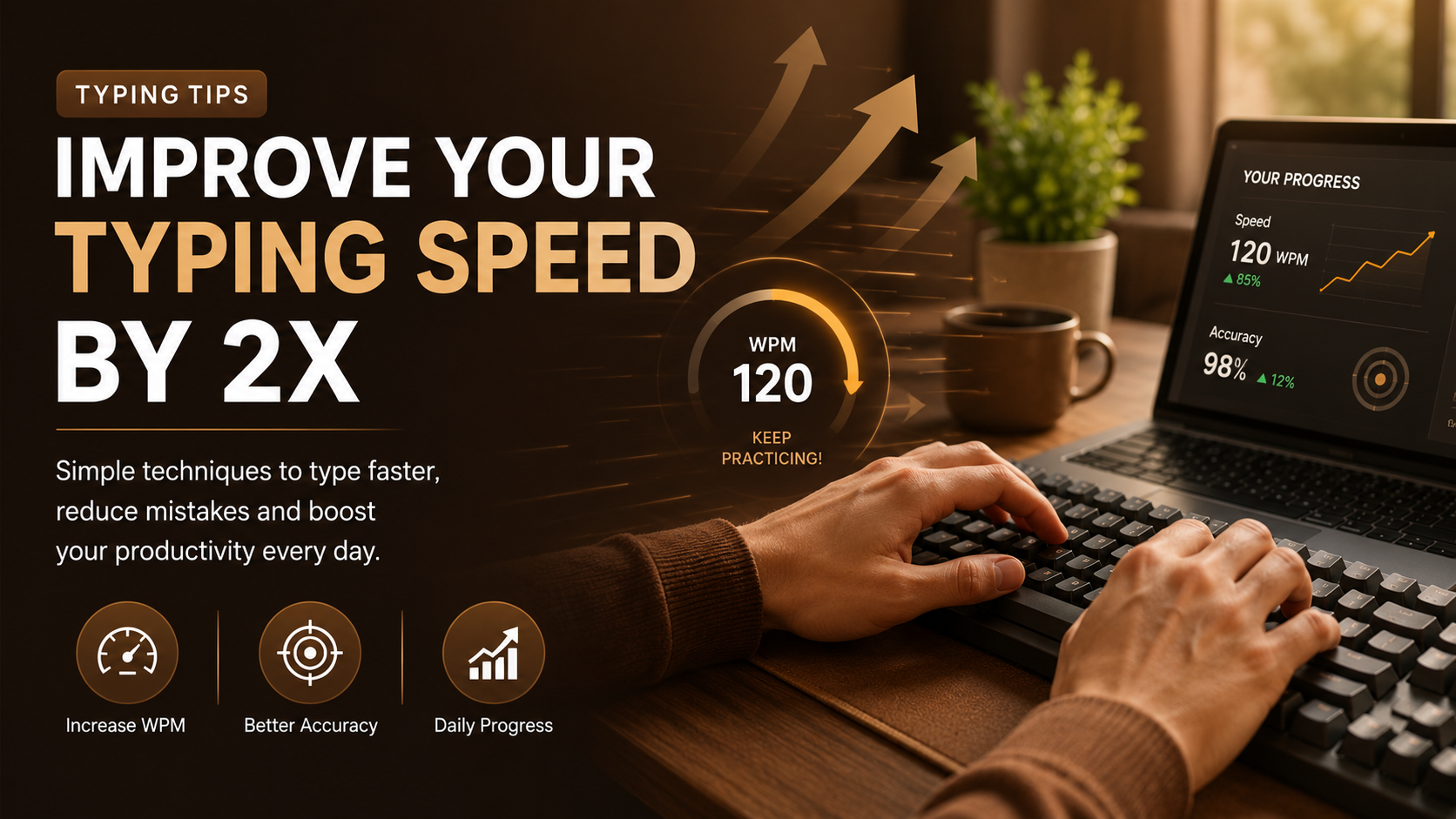
Why Typing Speed Matters
Typing is one of the most important computer skills today. The faster you type, the more productive you become while writing emails, assignments, coding projects, reports or chatting online. Good typing speed also reduces fatigue because your fingers develop natural muscle memory.
Average Typing Speed
| User | Average WPM |
|---|---|
| Beginner | 20–30 WPM |
| Intermediate | 40–60 WPM |
| Advanced | 70–90 WPM |
| Professional | 100+ WPM |
1. Learn Proper Finger Placement
The foundation of fast typing is proper finger placement. Always rest your fingers on the home row keys: A S D F for your left hand and J K L ; for your right hand. This position allows every finger to reach nearby keys naturally without unnecessary movement.
2. Focus on Accuracy Before Speed
One of the biggest mistakes beginners make is trying to type as fast as possible. Instead, aim for an accuracy of at least 95%. When your accuracy improves, your typing speed will naturally increase over time. Remember: Accuracy first. Speed second.
3. Practice Every Day
Typing is a skill that improves through consistency. Practicing for just 15–20 minutes every day is much more effective than practicing for several hours once a week. Daily repetition helps your fingers develop muscle memory.
4. Stop Looking at the Keyboard
Many beginners constantly look down at the keyboard while typing. This slows you down. Try to keep your eyes on the screen instead of the keys. Touch typing helps build confidence and dramatically improves typing speed.
5. Learn Touch Typing
Touch typing means typing without looking at the keyboard. Professional typists rely entirely on finger memory. Once you master touch typing, reaching 70–100 WPM becomes much easier.
6. Use Online Typing Tests
Typing tests measure your performance and help track your progress. They usually calculate:
- Typing Speed (WPM)
- Typing Accuracy
- Error Count
- Consistency
Taking a typing test every few days helps you identify weaknesses and monitor improvement.
7. Don't Rush
Typing faster doesn't mean smashing the keyboard. Smooth and controlled typing is always faster than rushing and making mistakes. Stay relaxed while typing.
8. Maintain Good Posture
Sit upright with both feet on the floor. Keep your wrists relaxed and your elbows at about 90 degrees. Good posture reduces fatigue during long typing sessions.
9. Challenge Yourself
Increase the difficulty gradually. Practice:
- Long paragraphs
- Numbers
- Symbols
- Punctuation
- Capital letters
As the difficulty increases, your confidence and typing skills improve.
10. Practice with Typo Master
Typo Master offers free typing lessons, typing games, and typing tests designed to improve your typing speed and accuracy in a fun and interactive way. Whether you're a beginner or an advanced typist, regular practice with Typo Master can help you reach your typing goals faster.
Final Thoughts
Improving your typing speed is a gradual process. Focus on accuracy, practice consistently, use proper finger placement, and challenge yourself regularly. With patience and daily practice, you can double your typing speed and become a confident touch typist. Start practicing today and enjoy your journey toward faster, more accurate typing.
Frequently Asked Questions
How long does it take to improve typing speed?
Most people notice improvements within 2–4 weeks of consistent daily practice. Spending just 15–20 minutes each day can significantly increase both typing speed and accuracy.
What is a good typing speed?
A good typing speed is around 40–60 WPM for most users. Professional typists often achieve 80–100+ WPM while maintaining high accuracy.
Is accuracy more important than speed?
Yes. Accuracy should always come first. Once you consistently type with 95% or higher accuracy, your speed will naturally improve over time.
Can Typo Master help beginners?
Absolutely! Typo Master provides beginner-friendly typing lessons, typing games, and typing tests designed to build speed, confidence, and accuracy step by step.
Related Articles
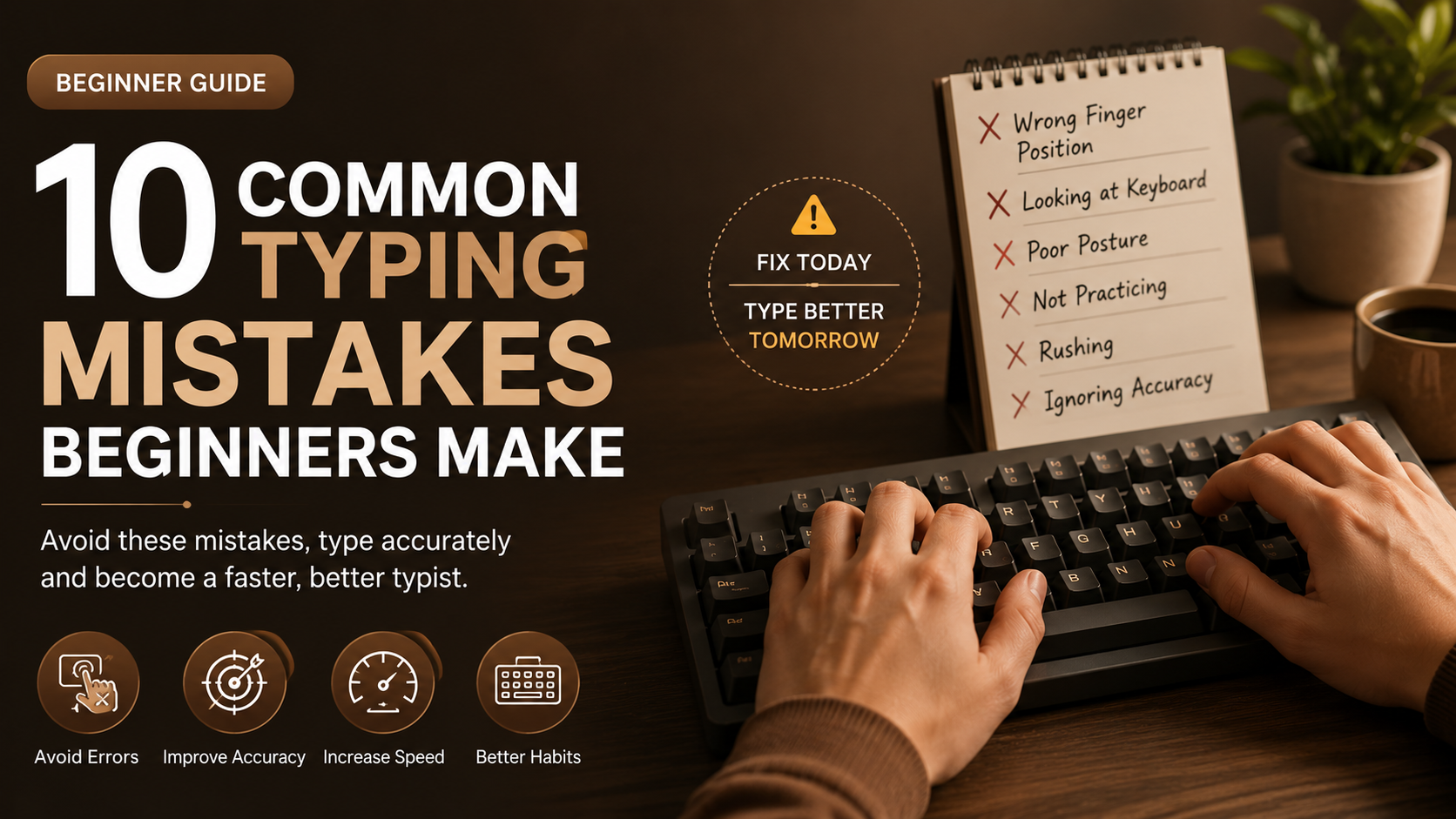
10 Common Typing Mistakes Beginners Make
Learn the most common typing mistakes and how to avoid them.
Read Article →