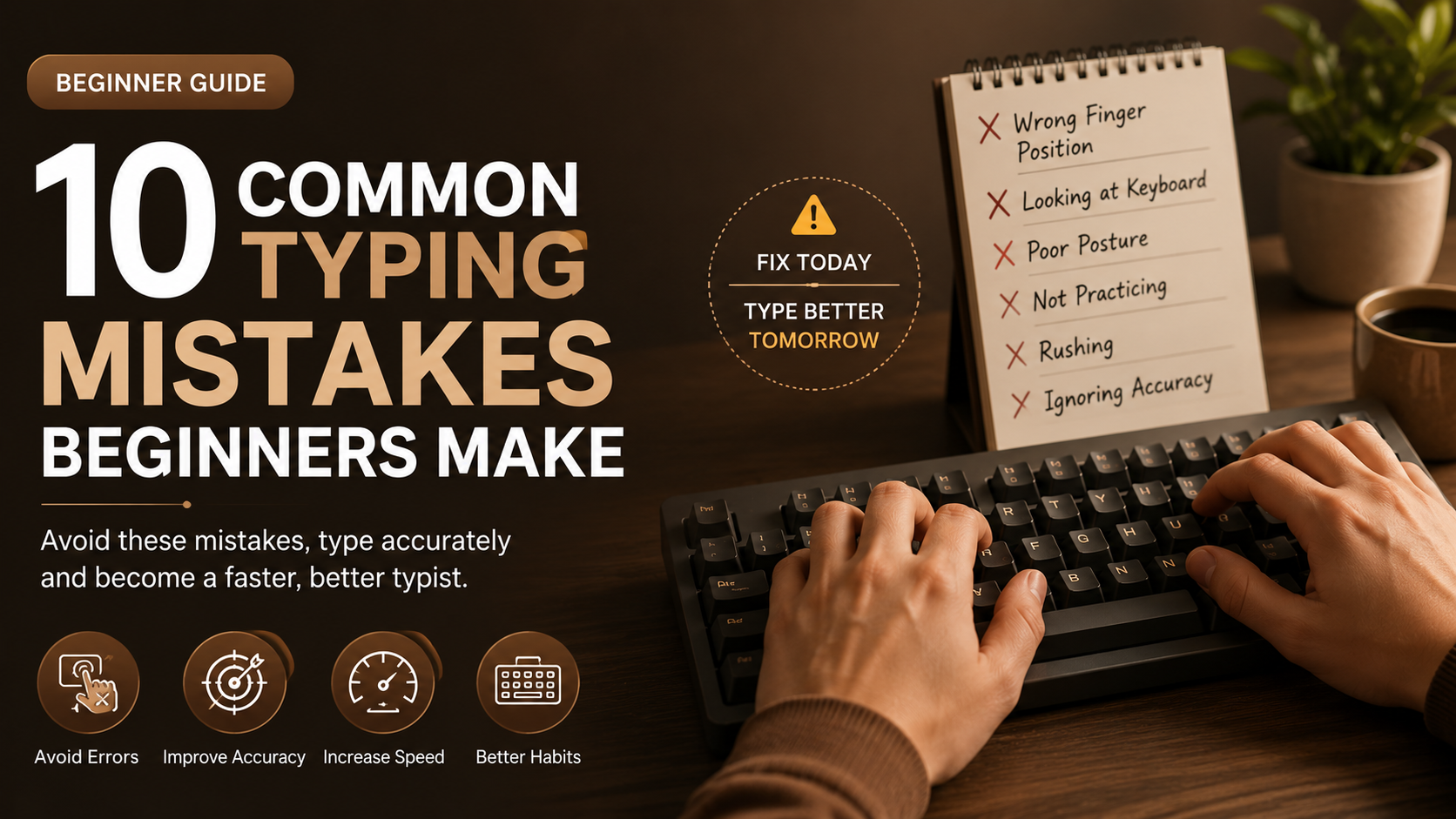
Why Do Beginners Struggle?
Typing is a skill that requires muscle memory, consistency, and accuracy. Most beginners focus only on typing faster instead of typing correctly. Avoiding these mistakes can dramatically improve your typing speed.
1. Looking at the Keyboard
Looking down at the keyboard every few seconds slows your typing speed. Train yourself to keep your eyes on the screen and learn touch typing.
2. Ignoring Finger Placement
Your fingers should always start from the home row: A S D F and J K L ; Proper finger placement reduces unnecessary movement and increases speed.
3. Typing Too Fast
Many beginners believe speed is everything. Typing too fast without control usually leads to more mistakes. Instead, focus on smooth and accurate typing. Speed will naturally improve as your accuracy increases.
4. Using Only Two Fingers
Typing with only two fingers limits your speed. Professional typists use all ten fingers, allowing them to reach every key efficiently. Learning proper finger usage can significantly improve your typing performance.
5. Poor Sitting Posture
Your typing posture affects both speed and comfort. Sit upright, keep your wrists relaxed, and position your keyboard at a comfortable height to reduce fatigue during long typing sessions.
6. Not Practicing Every Day
Typing is like any other skill—it improves with regular practice. Even practicing for 15–20 minutes each day is better than practicing for several hours only once a week. Consistency is the key to improvement.
7. Ignoring Accuracy
Many users only look at their Words Per Minute (WPM). However, typing with low accuracy creates bad habits. Aim for at least 95% accuracy before trying to increase your speed.
8. Not Using Typing Tests
Typing tests help measure your speed, accuracy, and progress over time. They also identify weak areas that need more practice. Testing yourself regularly keeps you motivated and focused.
9. Giving Up Too Early
Typing improvement takes time. Most people quit after a few days because they don't see immediate results. Stay patient and practice consistently. Small improvements every day lead to big results over time.
10. Practicing Without a Goal
Having a clear goal keeps you motivated. For example:
- Reach 40 WPM in one month.
- Achieve 98% typing accuracy.
- Complete one typing lesson every day.
- Play one typing game daily.
How to Avoid These Mistakes
You can avoid these common mistakes by practicing with proper technique. Use touch typing, focus on accuracy first, practice daily, and regularly take typing tests to track your improvement. Learning slowly but correctly is much more effective than rushing.
Final Thoughts
Everyone makes mistakes while learning to type. The important thing is to recognize them early and correct them. With consistent practice and the right techniques, you'll improve your typing speed, increase your accuracy, and become a confident typist. Start practicing today with Typo Master and watch your typing skills grow every week.
Frequently Asked Questions
What is the biggest typing mistake?
The biggest typing mistake is looking at the keyboard while typing. Learning touch typing helps improve both speed and accuracy.
How can I stop making typing mistakes?
Practice slowly, focus on accuracy, use the correct finger placement, and take regular typing tests to improve your skills.
How much should I practice every day?
Practicing for 15–20 minutes daily is enough to see noticeable improvement within a few weeks.
Can Typo Master help beginners?
Yes. Typo Master provides free typing lessons, typing games, and typing tests for beginners and advanced users.
Related Articles

Improve Your Typing Speed by 2×
Learn proven methods to increase your typing speed and improve your accuracy.
Read Article →